


The printer has stopped printing with recharged or compatible toner cartridges
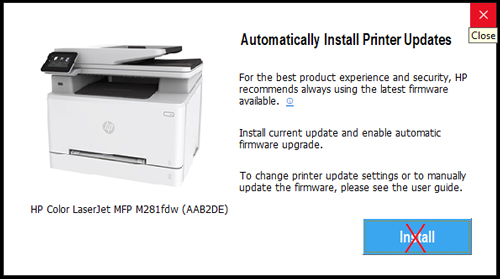
At the end of 2020 hp released a firmware upgrade for some printer models, causing them to stop working with compatible or recharged supplies. The upgrade affected all machines connected to the Internet, without any indications to the user.
List of affected models:
HP Color LaserJet Pro M254 dw
HP Color LaserJet Pro M280 / M281
HP Color LaserJet Pro M153 / M154
HP Color LaserJet Pro M180 / M181
In order for your printer to print again with loaded or compatible toner cartridges, you need to downgrade the printer firmware to the previous version before the update.
The procedure is easy and is performed in three steps. Download the hp firmware update application and load the file containing the older version. Wait for the upload to complete and restart the printer. Ready.
If you have difficulties you can contact us. We can perform this procedure with remote access to your computer via AnyDesk.
Ask us today

Leave a Comment